Playing guide
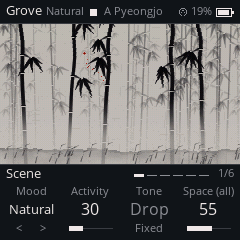
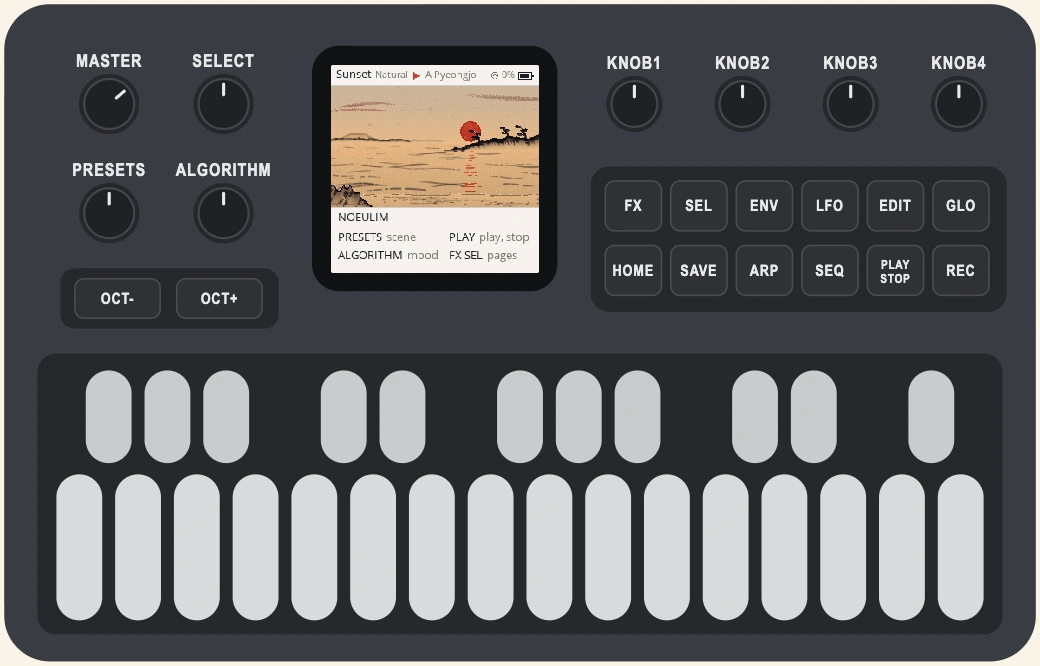
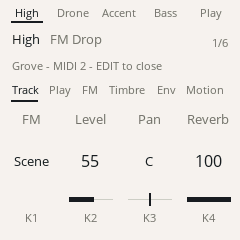
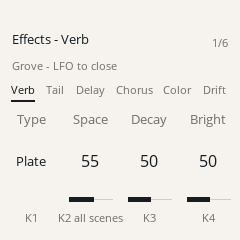
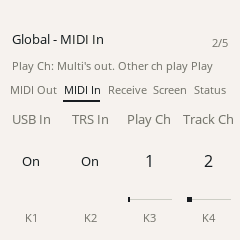
The LCD screens were captured over USB from an FM-1: the Grove screen on the 1.0.1 beta, the others on a development build. The panel illustration comes from the emulator.
Your first notes
- In your browser, open the emulator and switch it on. On hardware, power up the FM-1.
- Turn PRESETS to choose a scene. Tap PLAY to start.
- Turn ALGORITHM to change the mood and SELECT to adjust how often notes sound. The white keys follow the scene’s scale.
Panel controls
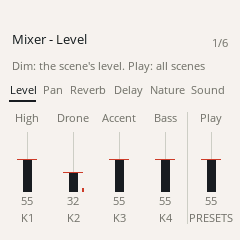
| PRESETS | Select a scene, a track in track mode, or the Play strip in the mixer |
|---|---|
| ALGORITHM | Mood |
| SELECT | Activity |
| FX · SEL | Previous page · next page |
| PLAY | Tap to play or stop. Hold to draw a new picture |
| HOME | Return home. Hold for the landscape alone |
| EDIT | Track mode |
| LFO | Effects |
| ENV | Mixer |
| GLO | Global settings |
| SEQ | Toggle the scene’s musical response to the keys |
| SAVE | Tap to save. Hold for three seconds to open the reset confirmation |
| Keys | White keys play with the scene. Black keys trigger notes and events such as birds, chimes and meteors |
MIDI input
Download the full Korean manual (.md)
Version 1.0. NOEULIM