
Choose a landscape
Turn PRESETS through six scenes. Tap PLAY to start or stop. Hold PLAY to draw a new picture of the same landscape.
M-VAVE FM-1 · Ambient firmware
A breaking wave. A falling snowflake.
Six landscapes that play their own music.
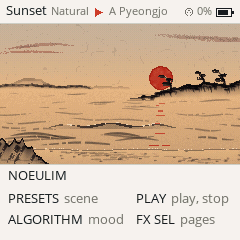
Scene recording
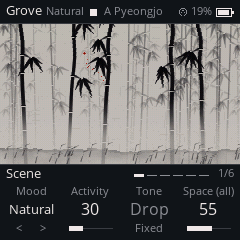
Falling maple leaves trigger clear notes. Listen for longer tones as ink strokes spread through the grove.
M-VAVE FM-1
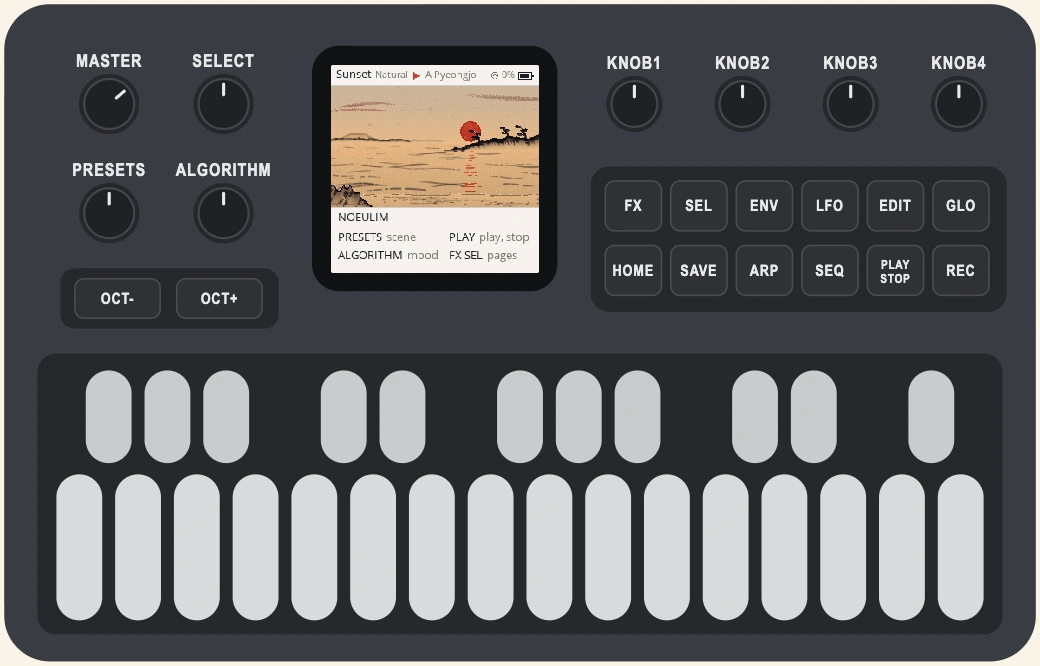
Turn PRESETS through six scenes. Tap PLAY to start or stop. Hold PLAY to draw a new picture of the same landscape.
ALGORITHM changes the mood and scale. Turn SELECT to leave more space between notes or make the scene busier. Play the white keys in its scale. Press EDIT to shape an individual track.
Press ENV for the mixer. Bring the drone forward, lower the bass or change the instrument on the Sound page. The Play track carries your own keys alongside the scene.
Press LFO to adjust reverb, delay and chorus. Tap SAVE to keep the scene and your edits. In the browser, SAVE keeps the emulator settings on this computer.
Full panel guide ↗USB MIDI
Keep a copy of M-VAVE’s stock V15 firmware for recovery. Connect your FM-1 directly with a USB data cable, close other MIDI applications and open the installer in desktop Chrome or Edge. Leave it connected through the restart.
Open installer ↗Version 1.0 is a pre-release. Installation and saving on units with the UC25HQ80 flash chip still need hardware verification.